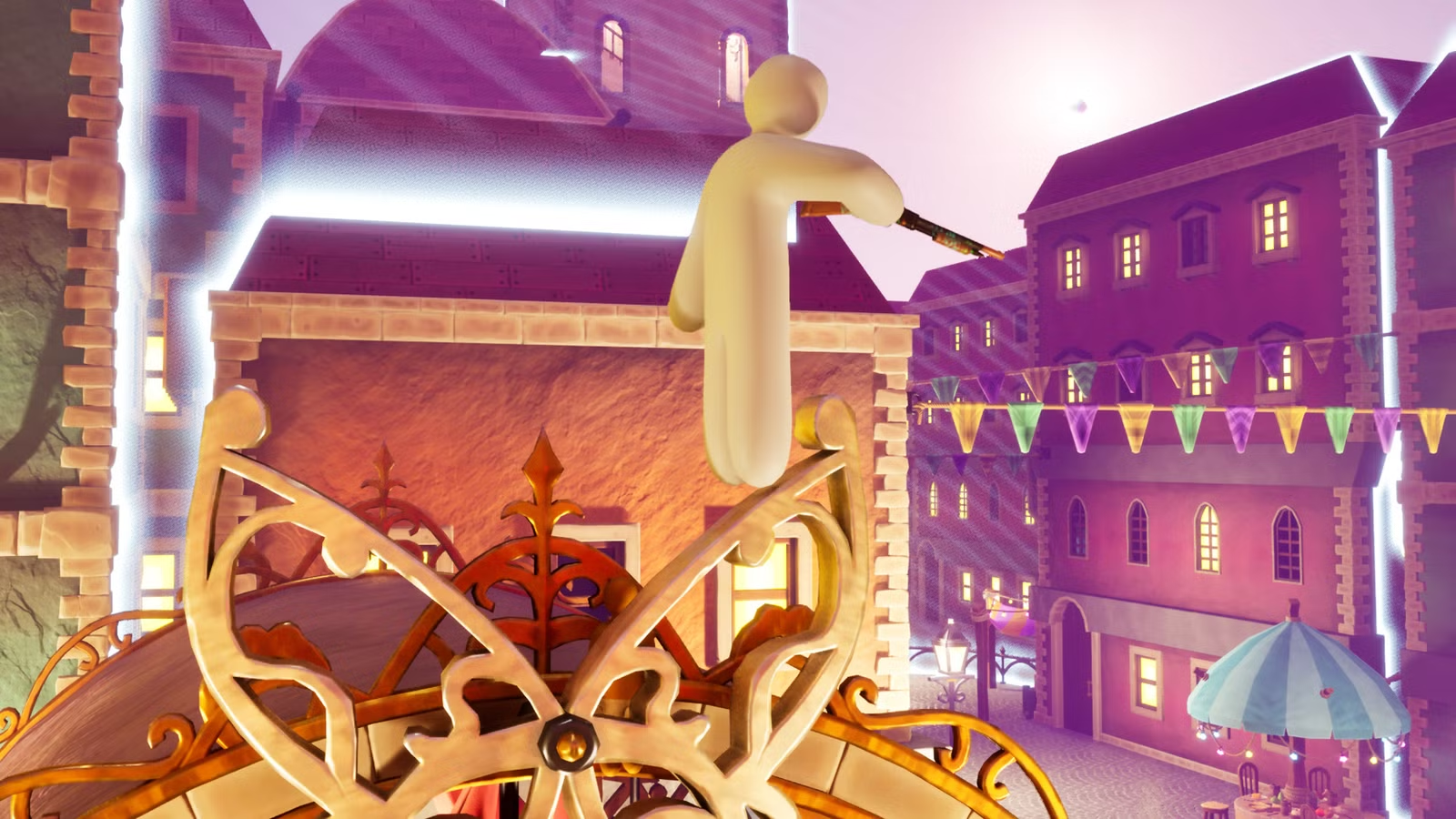
One of the most notable elements of Meccha Chameleon is its custom maps. The original release includes a strong lineup, and developer lemorion_1224 keeps rolling out fresh ones, yet you’ll quickly find that the most rewarding spots are hidden in plain sight. If you want to get the most out of this painting prop hunt experience, take a look at the maps made by the community.
Below, you’ll find a curated set of some of the best Meccha Chameleon custom maps, along with clear setup instructions.
How to Play on Custom Maps in Meccha Chameleon
There are two straightforward ways to enjoy custom maps in Meccha Chameleon: download them from the Steam Workshop, or get them directly during a match by going through the host’s setup. Before you download any custom map, make sure to check its Steam Workshop listing so you’re not pulling in anything suspicious. Take a look at its rating, the current subscriber count, and the comments for any red flags.
As the host, you’ll have to grab custom maps from the Steam Workshop. Once you locate one you like, subscribe to it to install it. After that, start a server and use the blue button in the lobby. You’ll see a map list on the right side of the screen, and if you scroll further, the custom maps you’ve installed will appear in purple.

If you joined a lobby, the process is a bit easier. The host will switch the map for everyone, and if you don’t already have that specific map installed, a blue message will appear saying, “The Mod must be downloaded to start the game. Click here to download it. No restart required.” Tap the blue message to open the map’s Steam Workshop page, then subscribe to download it. If everything goes smoothly, the notification will update to “Download Confirmed.”
If you run into the “You’ve made too many requests recently” error, you can do it differently: look up the map in the Steam Workshop, hover over it, and click the magnifying glass. A small pop-up should show up, letting you subscribe from there.

Top Custom Maps in Meccha Chameleon
There are plenty of custom maps you can play in Meccha Chameleon, but here we’ve gathered a selection of some of the most impressive options for your sessions. Before you jump in, we suggest setting the “Hunter Wait Time” to at least two minutes, since these maps offer a lot of hiding opportunities—and you want your opponents to have enough time to create a believable disguise.
Art Gallery

The Art Gallery acts like a museum filled with well-known paintings and portraits across its walls. If you’re feeling creative, you can try to imitate characters like the Mona Lisa or one of the Twelve Apostles. Or, for something more devious, you can throw off the hunter by hiding as if you belong in the floor. Just be sure to increase the Hunter Wait Time even more on this map, so you have enough opportunity to put together your masterpiece.
Fall Guys Level

This lively map looks very much like a Fall Guys level, which lines up with its name. The bright, simple colors are easy to repaint and blend into, so it’s relatively straightforward to stay hidden in plain view. Throughout the area, you’ll also find a variety of trinkets and objects, giving you plenty of cheeky places to tuck yourself away in a way that matches your style.
The Market

If you enjoy fruits and vegetables, The Market has plenty to work with—pumpkins, watermelons, cabbage, and more. Even if you’d rather not pose as a food item, the map still offers many corners and props where you can conceal yourself.
Maplestory Lacheln

Maplestory Lacheln brings the charming city of Lachelein into 3D, taken from Maplestory. While you won’t meet Lucid in the clocktower, there are still numerous hiding spots to take advantage of. This map includes detailed architecture, giving you lots of places to stay out of sight—even if you’re not especially confident about painting intricate details.
(Yes, the name of the map is spelled that way, even though
the area in Maplestory is spelled “Lachelein.”)
Minecraft House

You can find plenty of Minecraft-themed creations on the Steam Workshop, but Minecraft House is one of the standout options for players who want to play along with the game. Roam as a torch, a flower, or—if you’d rather stay out of sight—blend into the grass outside. The layout isn’t huge, yet it still offers plenty of spots to tuck away both inside and out.
Swimming Pool!

The Swimming Pool! map stays fairly simple and compact, which can make blending in a bit tougher. You’ll need to get creative if you want to disguise yourself successfully here, but if you like a real test, this is a great pick.
Viking Dining

Viking Dining drops you into a tavern packed with shields, swords, spears, and ale. A range of items is scattered around the space, giving players lots of props they can use to pose as something else. Even so, it doesn’t feel overly crowded, and because the map remains on the smaller side, it’s a little easier to manage for whoever’s searching.