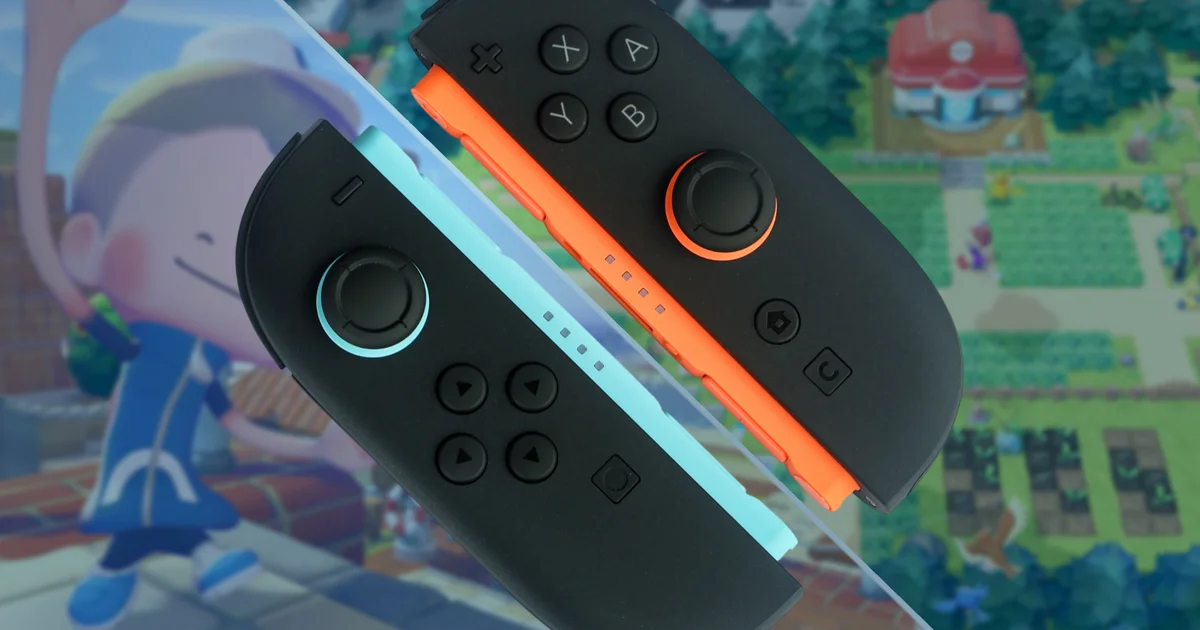
Let’s be honest: nobody’s walking into a shop to buy a Switch 2 for Drag x Drive, right? People aren’t exactly lining up for the relatively fresh console iteration that supports a mouse-driven take on Metroid Prime 4 (even if it’s kind of fun). So far, the Switch 2’s mouse capabilities feel a bit underused—at least, the only time I clearly remember enjoying them was in a recently released mini-game within Bravely Default Flying Fairy HD Remaster. It doesn’t really stack up to the DS stylus or the Wii’s Wiimote, does it?
That said, Nintendo can’t have every new idea be as groundbreaking as some of its earlier innovations. The mouse feature on the Switch 2 seems more like an extra tool developers can choose to tap into, rather than something likely to define the whole era. That’s totally fine—you can still get some fun out of the mouse-enabled JoyCon during the Switch 2 Welcome Tour; isn’t that enough? Well… not quite.
Thankfully, the third-party heavyweight and Pokémon spin-off standout Pokopia is here. It’s already doing a solid job of pulling people toward the Switch, since the game appears to be highlighting the platform-holder’s strengths in just about every respect. My latest takeaway? The mouse controls are genuinely strong. And with Pokopia specifically, I’d even go as far as saying they’re crucial.

If you haven’t tried it yet, Pokopia feels close in spirit to Dragon Quest Builders 2: your main job is restoring neglected, overgrown areas—essentially acting as a handyman, janitor, and archaeologist all at once in a post-disaster Kanto with no humans left. That naturally means plenty of construction, gathering, demolition, placement, and tinkering with whatever odds and ends you can get your hands on. It’s not always the smoothest setup for dual-analogue stick controls.
After more than 20 hours—almost by accident, too, when I rested my JoyCon on my desk to reply to an email (don’t tell my boss)—I saw the little yellow cursor pop up on-screen as the sensor picked up the walnut texture of my workstation. “Alright then,” I thought. “Let’s see what this can do.” Oh my goodness. The moment I dragged that cursor over a sandy stretch that had built up around a seaside path I wanted to clear, it felt like someone lifted a fog from my eyes. Suddenly I wasn’t just pointing and hoping I’d hit the right blocks. Digging through two or three extra tiles just to collect a single glowing spot stopped being an issue. And I wasn’t accidentally tapping roof tiles when I meant to adjust a light fixture.
In an instant, Pokopia revealed what it was really capable of. And here’s the surprising part: it even seems to reward you for switching over to mouse mode. You can often reach around four blocks away whenever you want to Rock Smash or drop items into place. If you’re wrestling with the camera using the analogue stick, the most you can usually manage is about two blocks—or three if you’re particularly lucky. Mining ore, clearing away obstacles, and setting up Farfetchd’s home just right suddenly takes less time and feels much less fiddly.
On the building side, I’ve also found the mouse makes block placement far more straightforward—especially when you’re trying to craft something like a window out of house bricks. No more tilting your view upward, placing a block, shifting a square, placing another block, and repeating the cycle over and over. If you’re building big bridges in Bleak Beach or clearing out that famous ship (you know the one…), use the mouse. You won’t regret it.
So what other pleasant surprises are waiting in Pokopia? Every time I boot it up, there’s another little “a-ha!” moment or an experience that puts a grin on my face like I’m a kid again. It’s starting to feel like one of the most genuinely Nintendo games I’ve played in years—and it’s not even a Nintendo title. A few days ago, I barely cared about the Switch 2’s mouse features. Now, I can’t imagine playing without them. Thanks, Pokopia.